

MenuLolo

AI Menu Generator for Restaurants

Enhance your dish photos with AI, generate a beautiful menu, and publish it as a QR code when you're ready — one system from phone camera to the table.

AI food photo enhancer

Make every dish photo menu-ready

Upload an ordinary phone photo and get a professional menu shot — better light, color and background, with the dish kept exactly as it is.

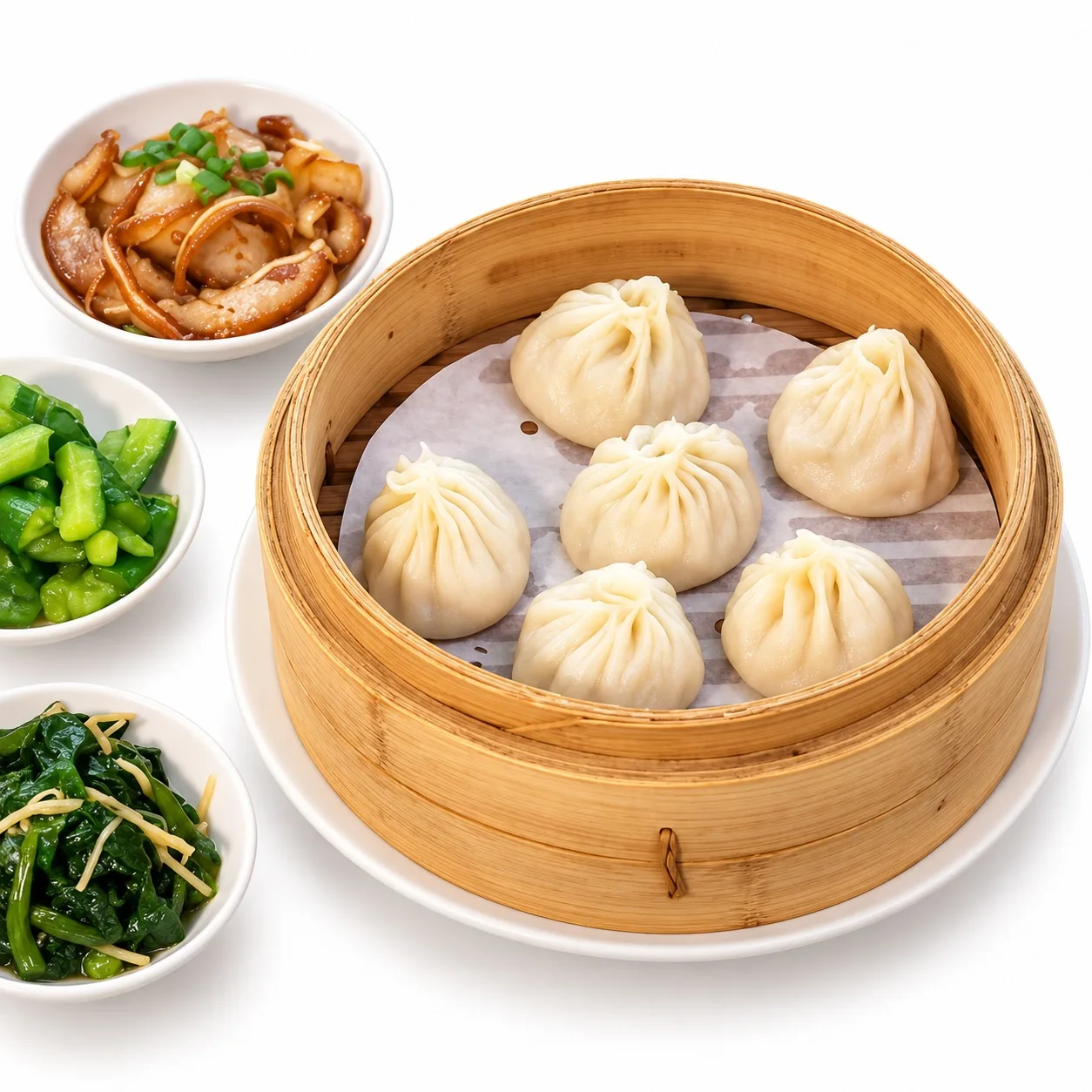
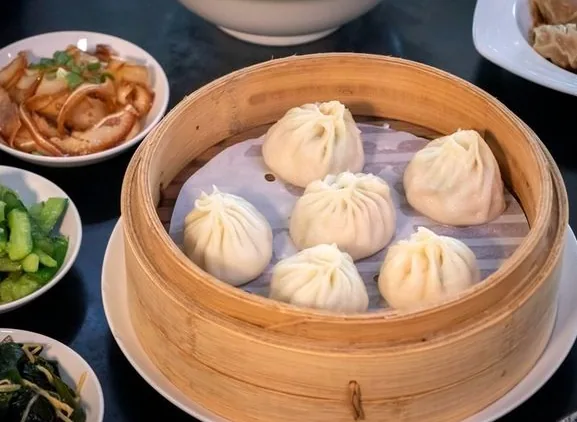
Steamed soup dumplings in a bamboo basket on a clean white background in natural colour style
Before
After

White · Standard · Natural & Clean

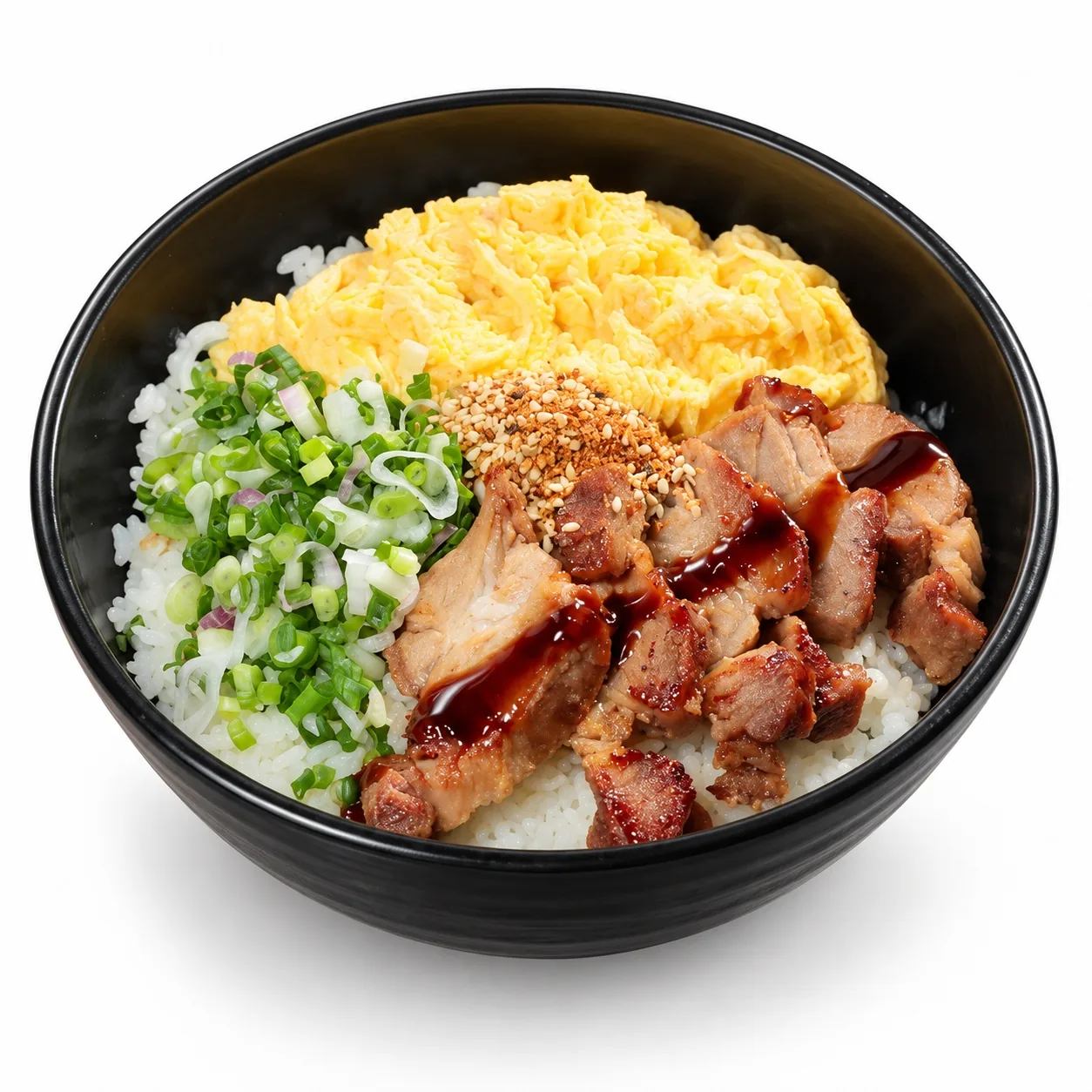
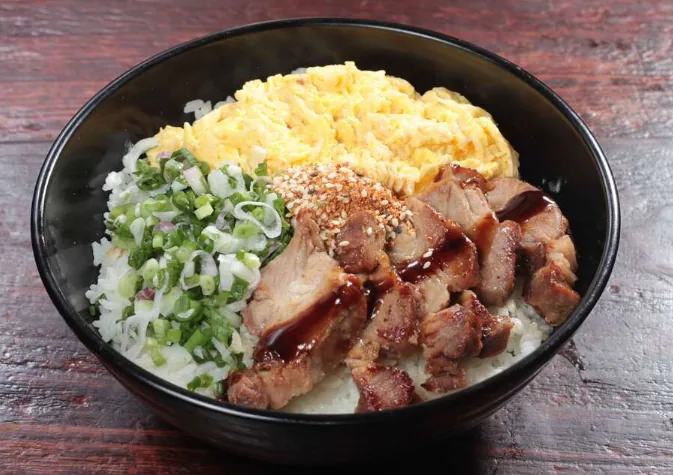
Braised pork rice bowl on a clean white background in natural colour style
Before
After

White · Standard · Natural & Clean

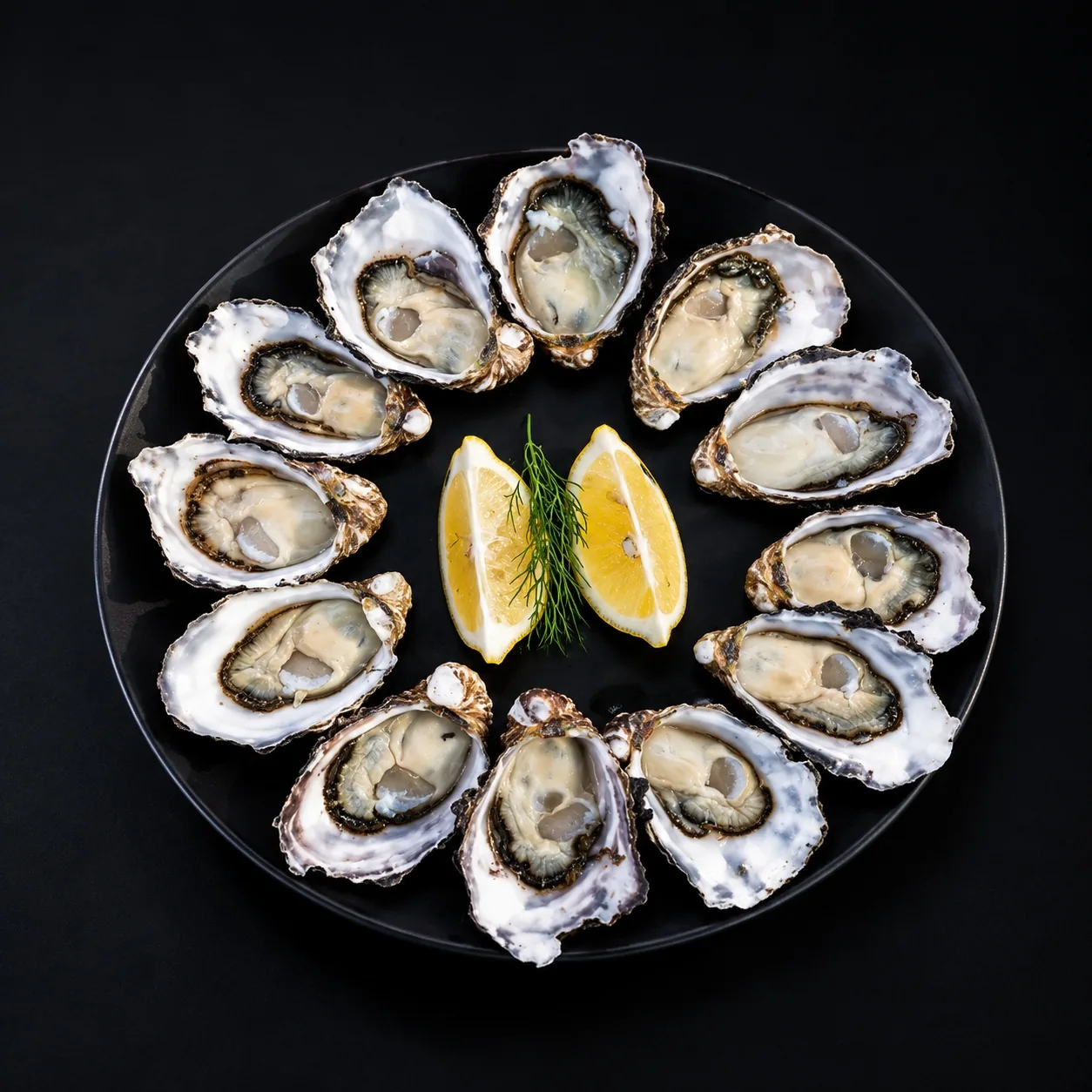
Fresh oysters on a black plate against a black background in cool premium colour style
Before
After

Black · Standard · Cool & Premium

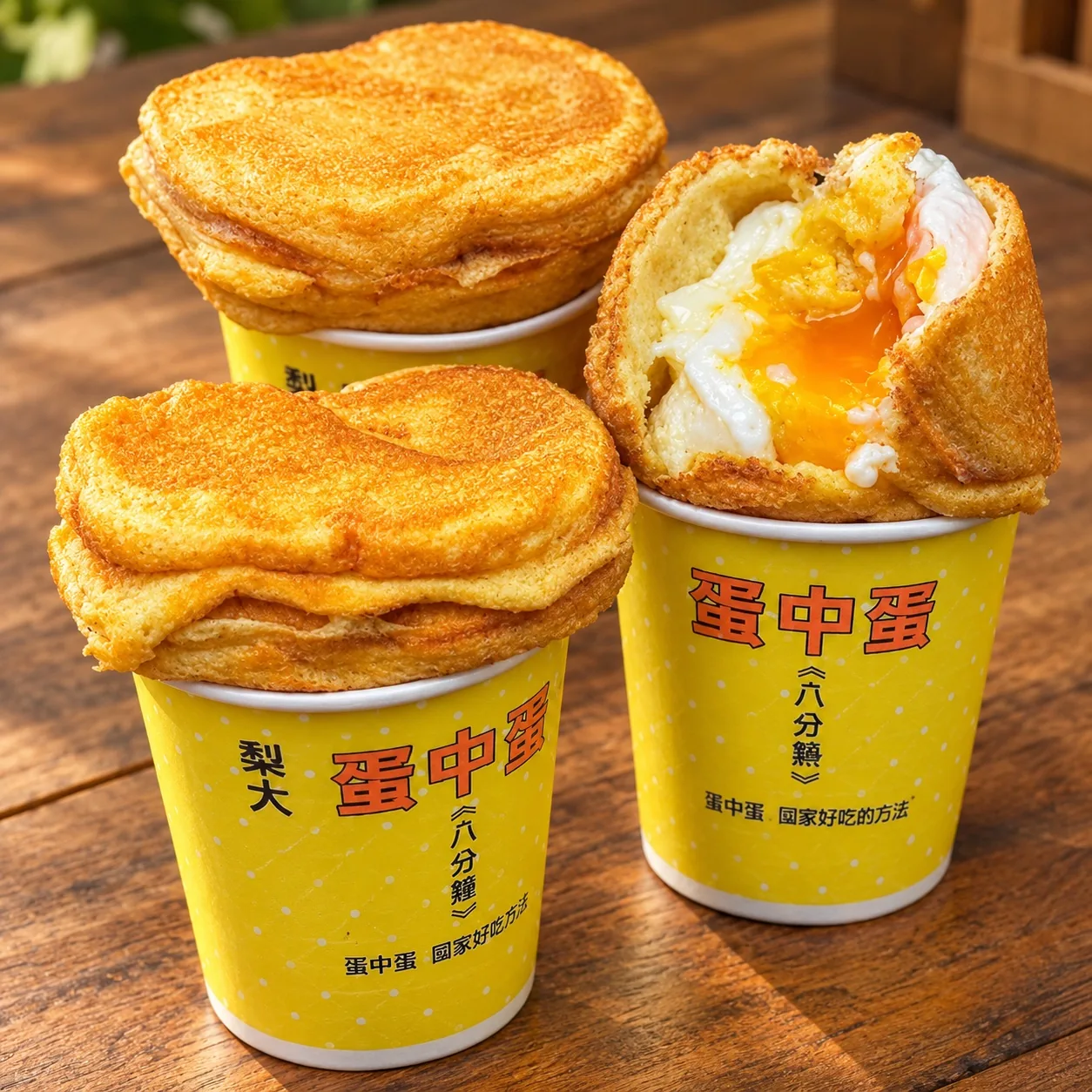
Street-style egg cups on a rustic wood table in warm colour style
Before
After

Wood · Standard · Warm & Appetizing

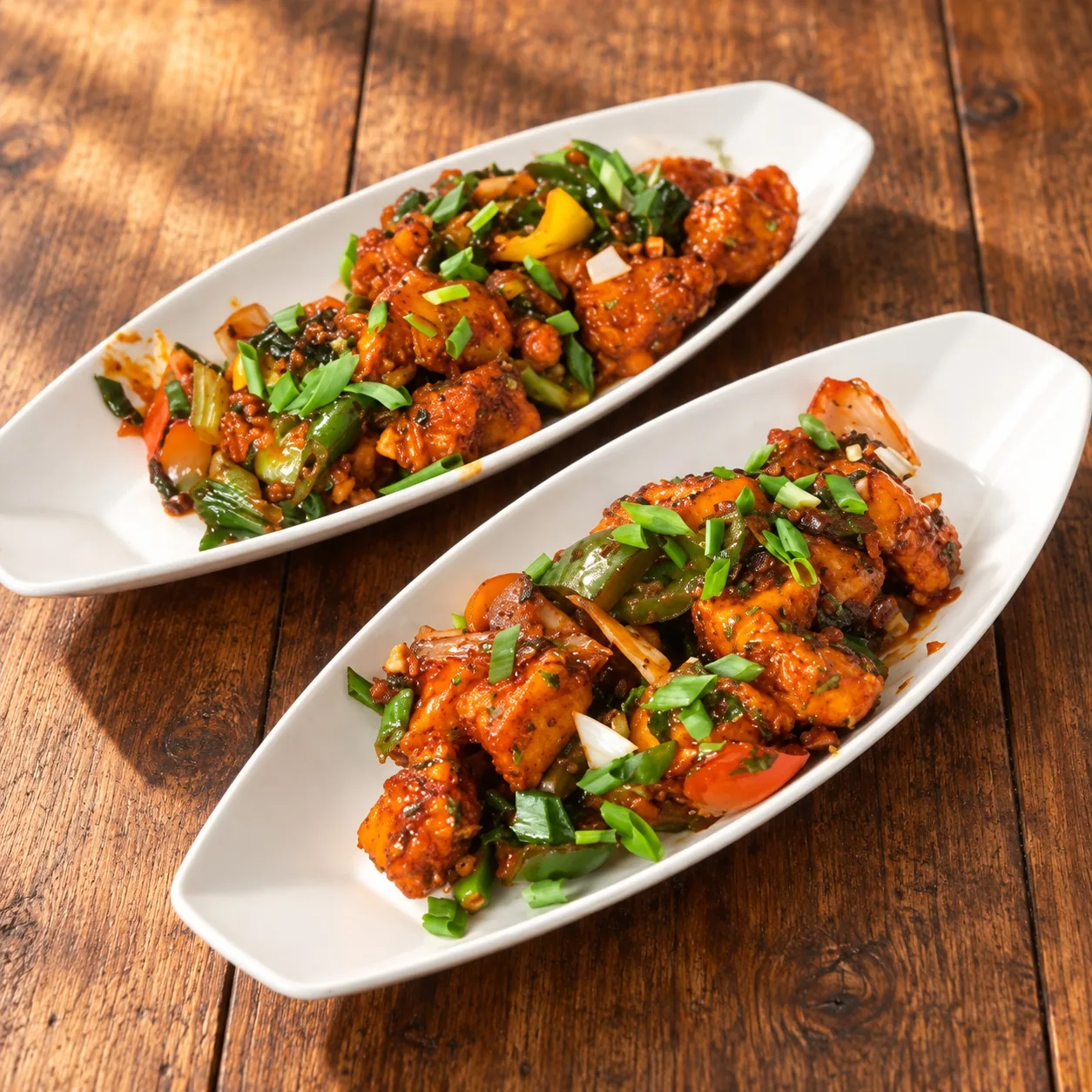
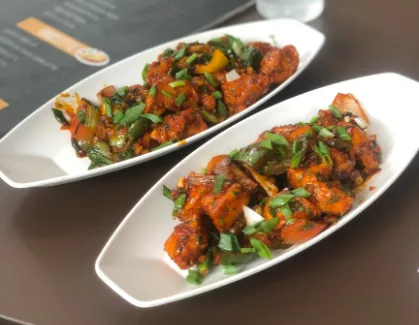
Two plates of curry on a rustic wood table in warm colour style
Before
After

Wood · Standard · Warm & Appetizing

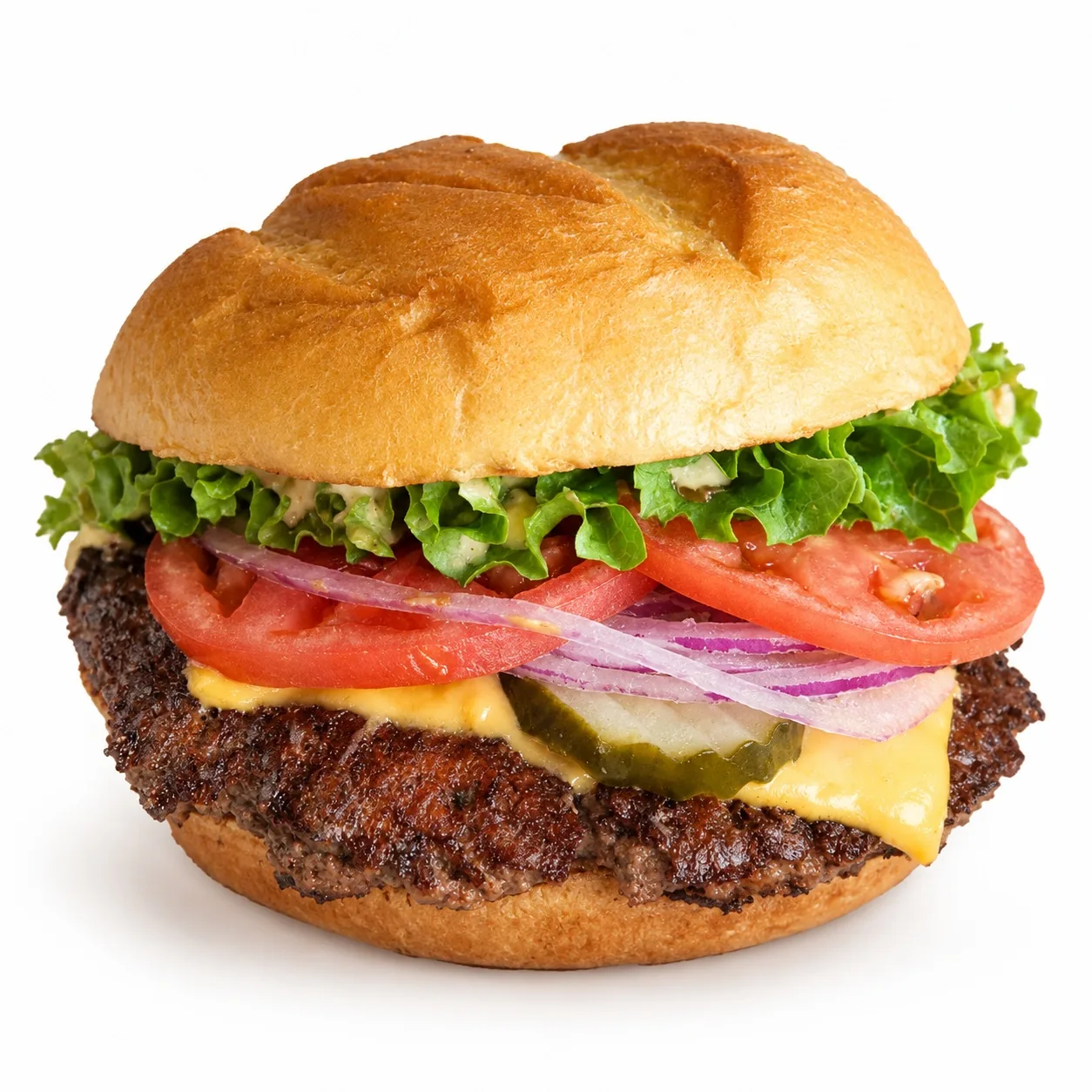
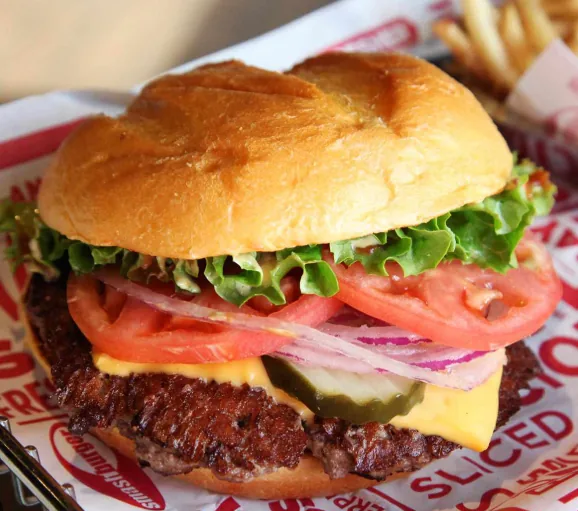
Hamburger with fries on a clean white background in natural colour style
Before
After

White · Standard · Natural & Clean

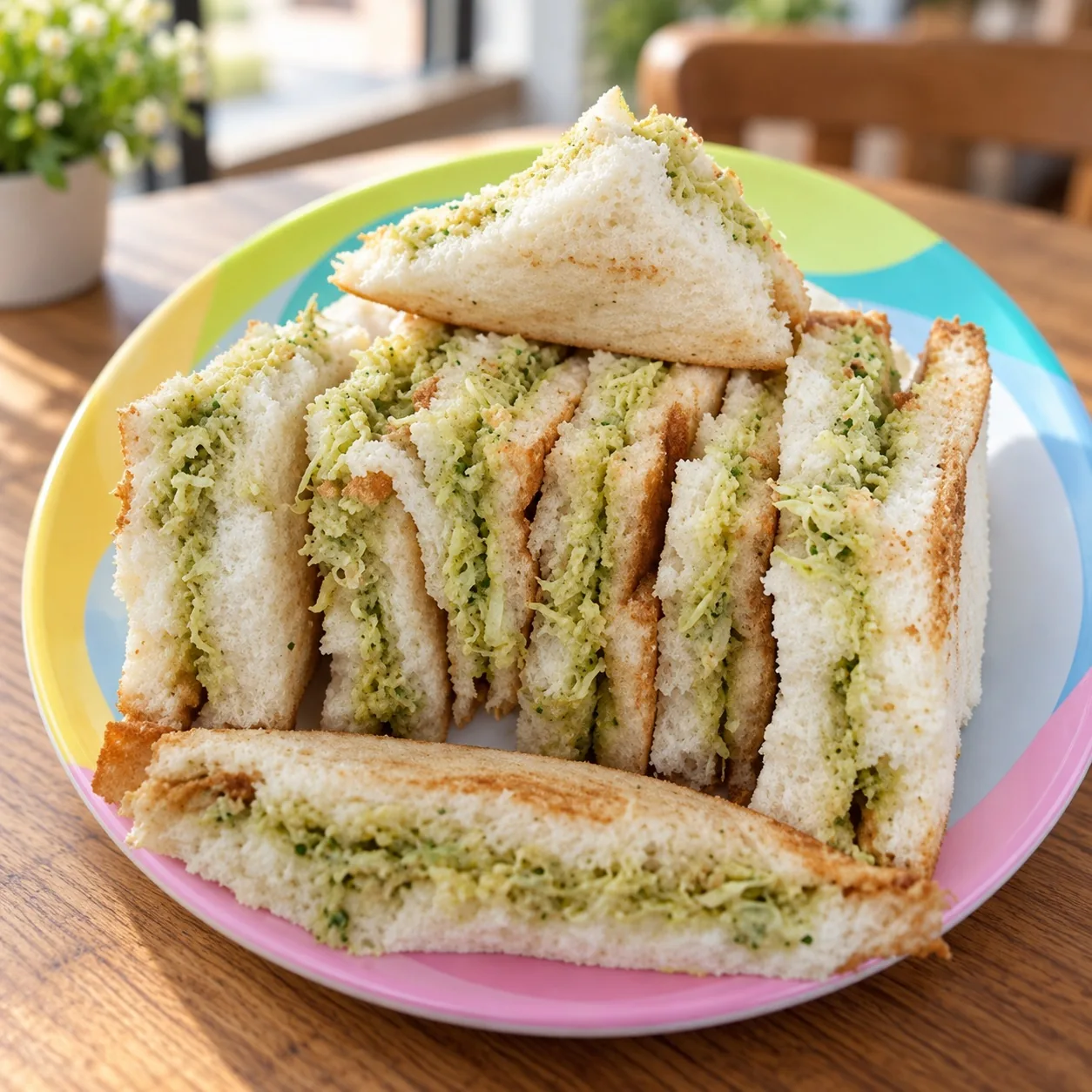
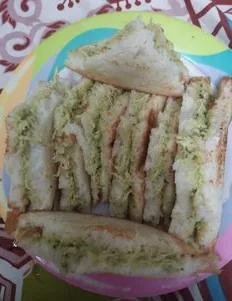
Vegetable sandwich on a café table in natural colour style
Before
After

Café · Standard · Natural & Clean

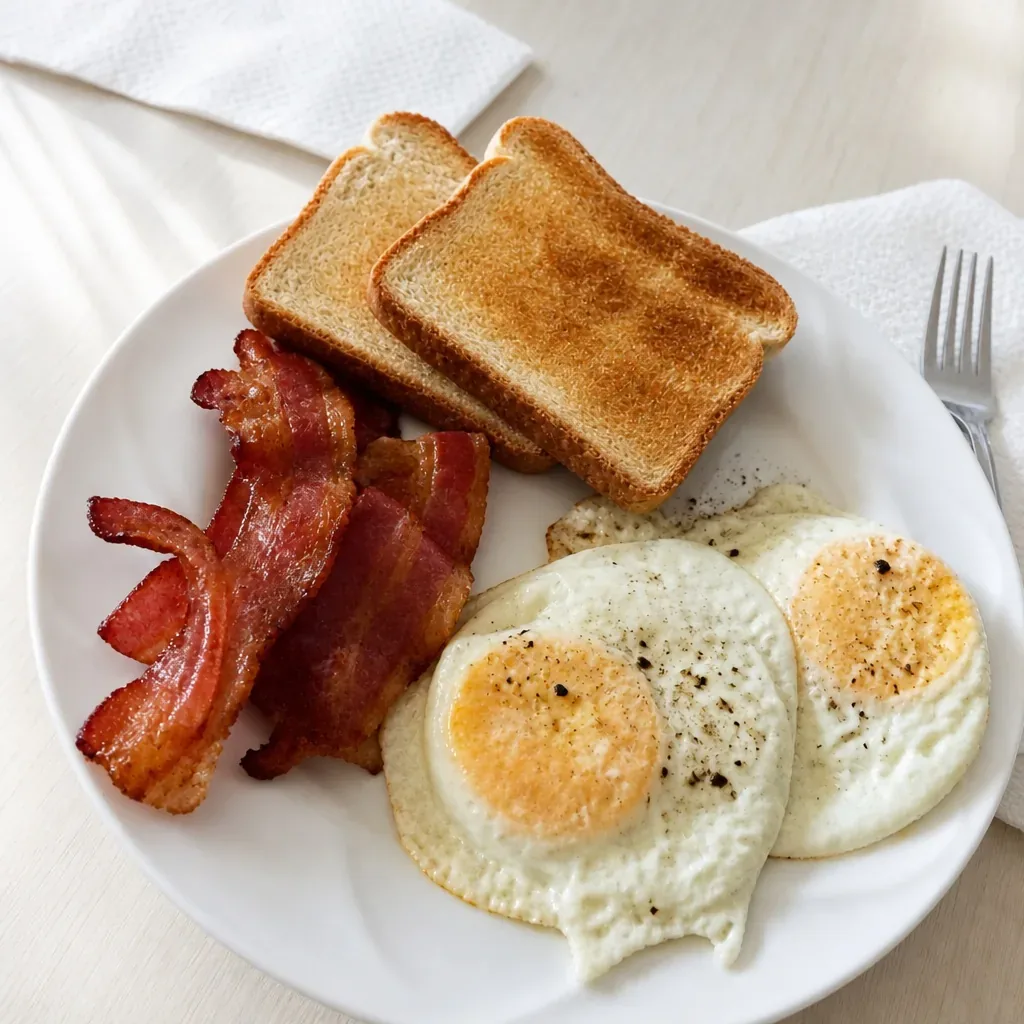
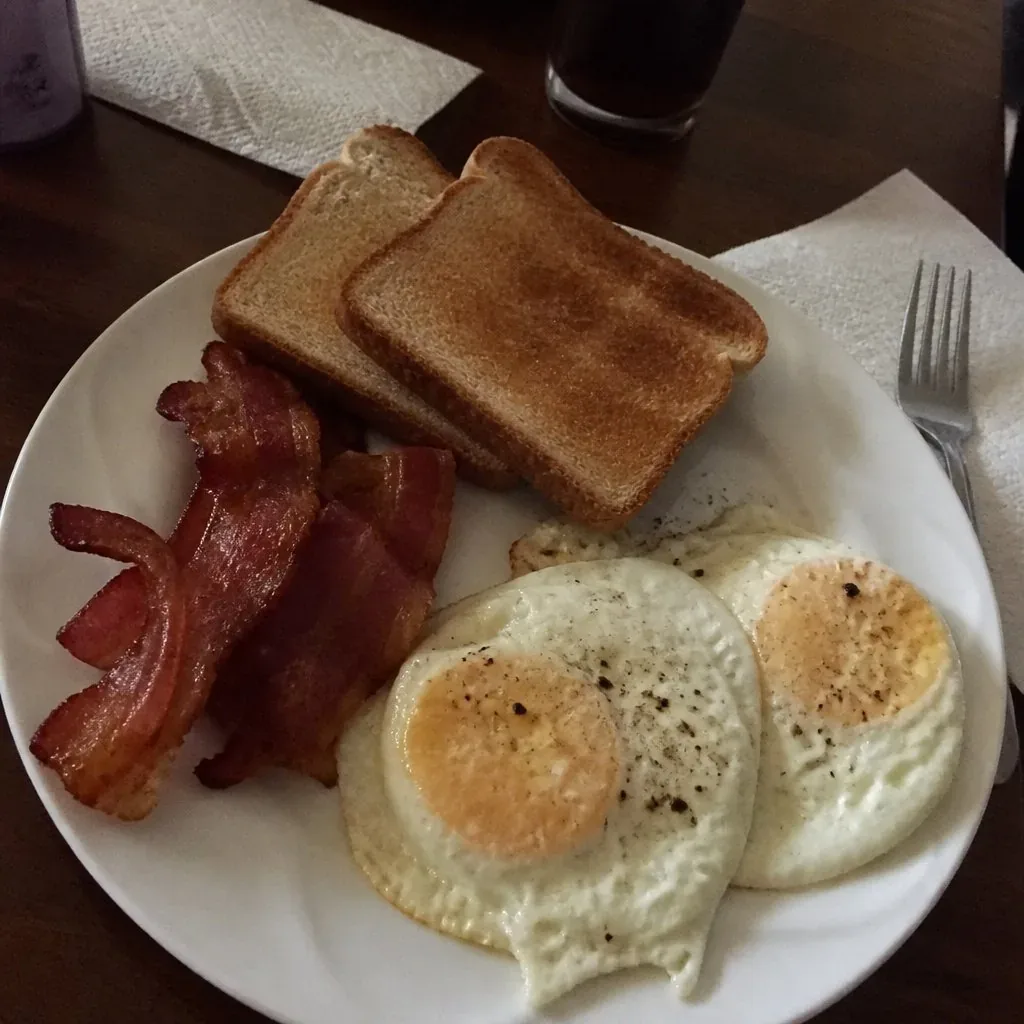
Breakfast plate enhanced on a marble background in natural colour style
Before
After

Marble · Light · Natural & Clean

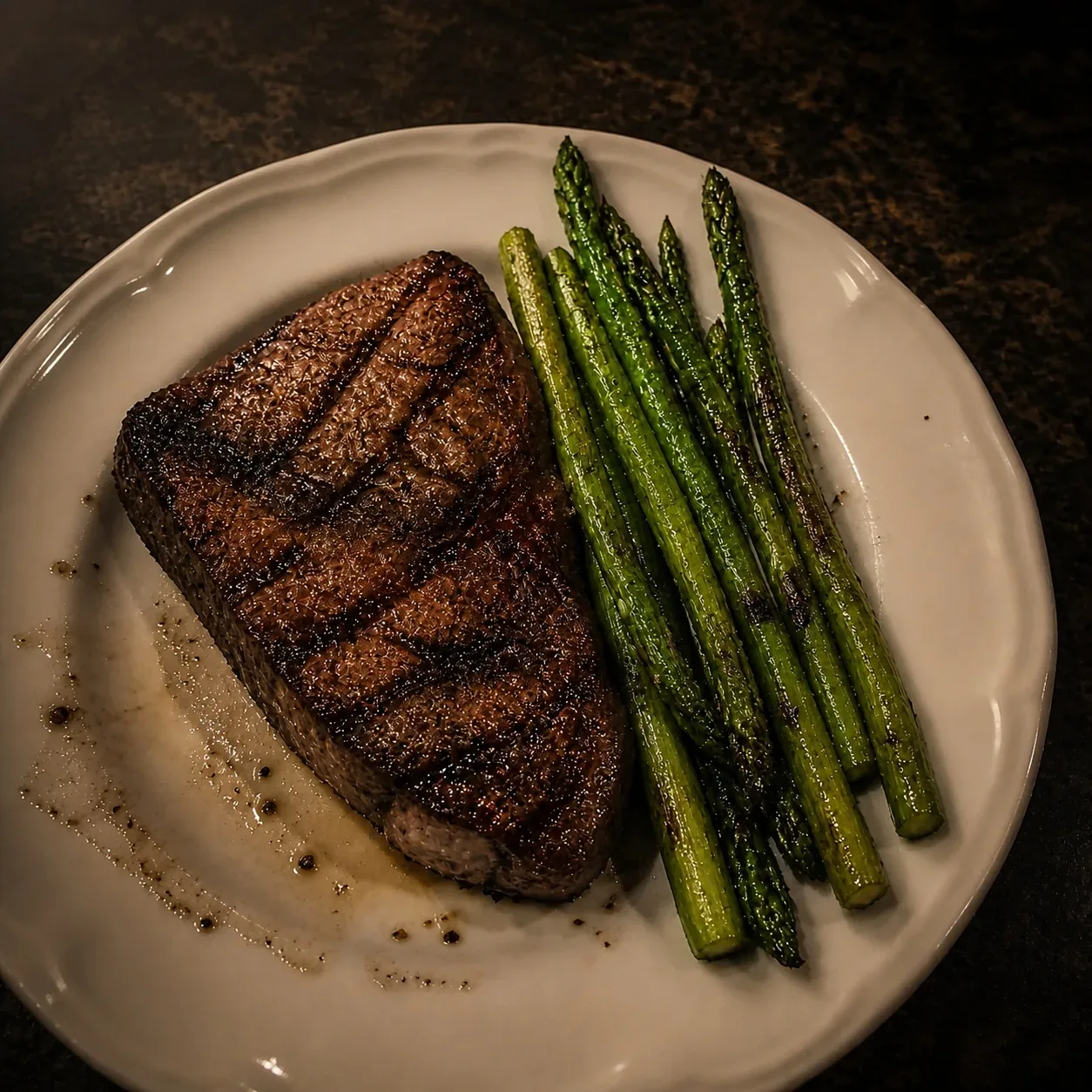
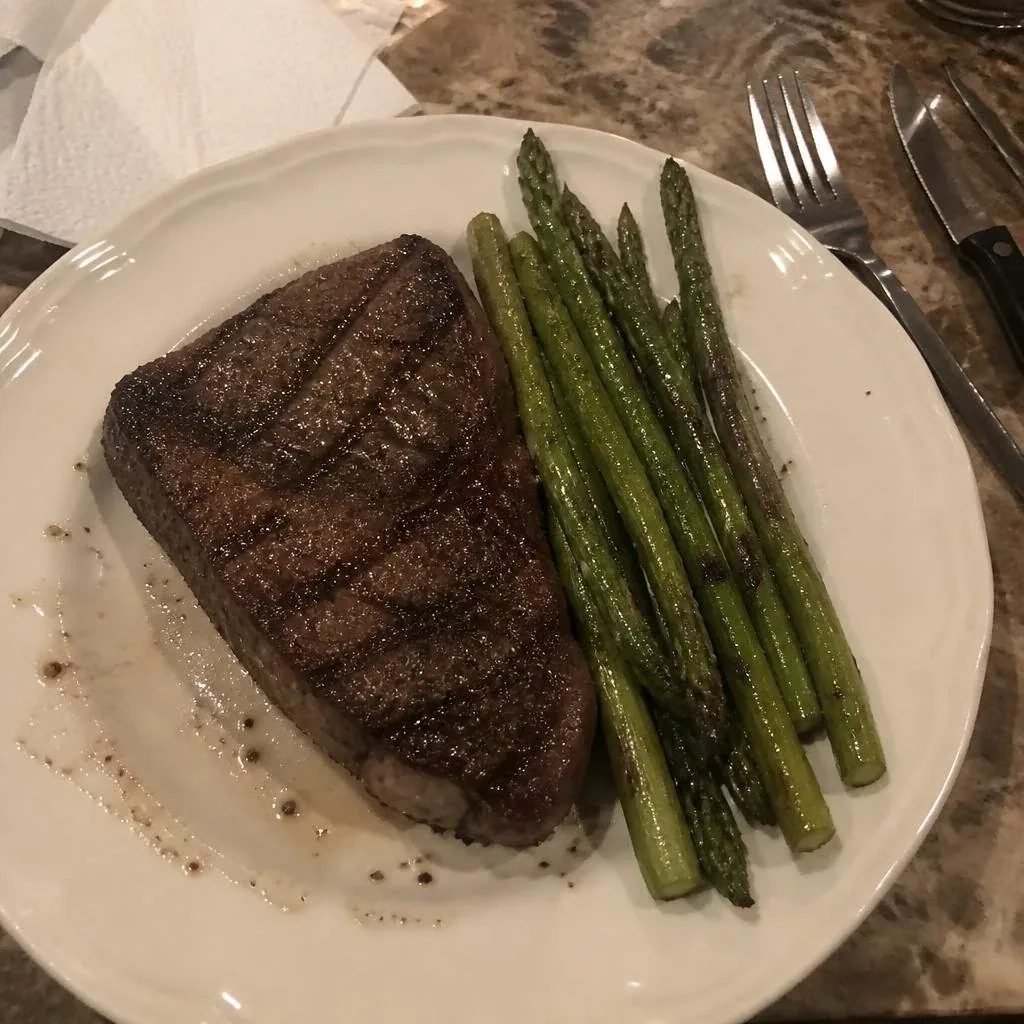
Grilled steak enhanced on a rustic wood table in warm colour style
Before
After

Wood · Light · Warm & Appetizing

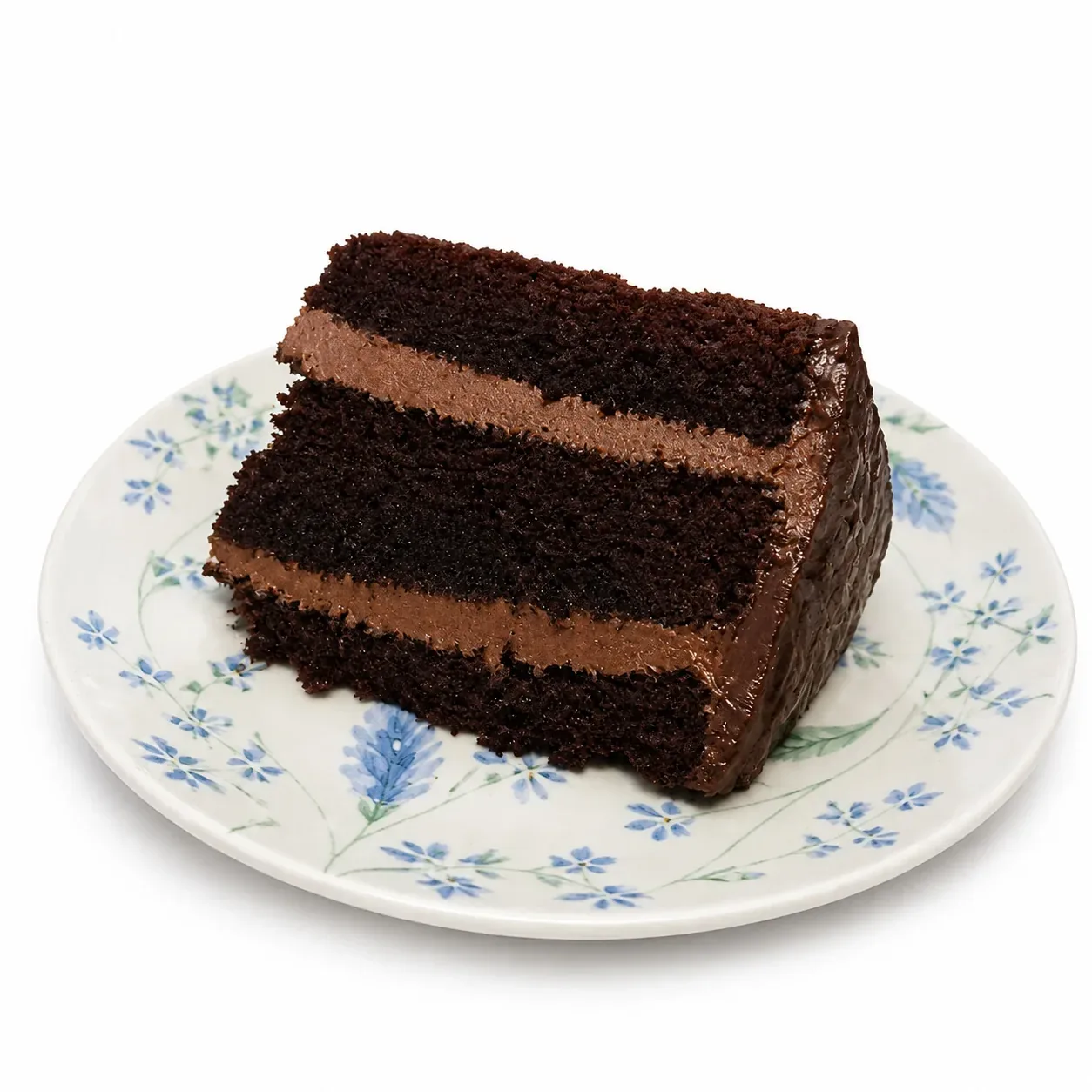
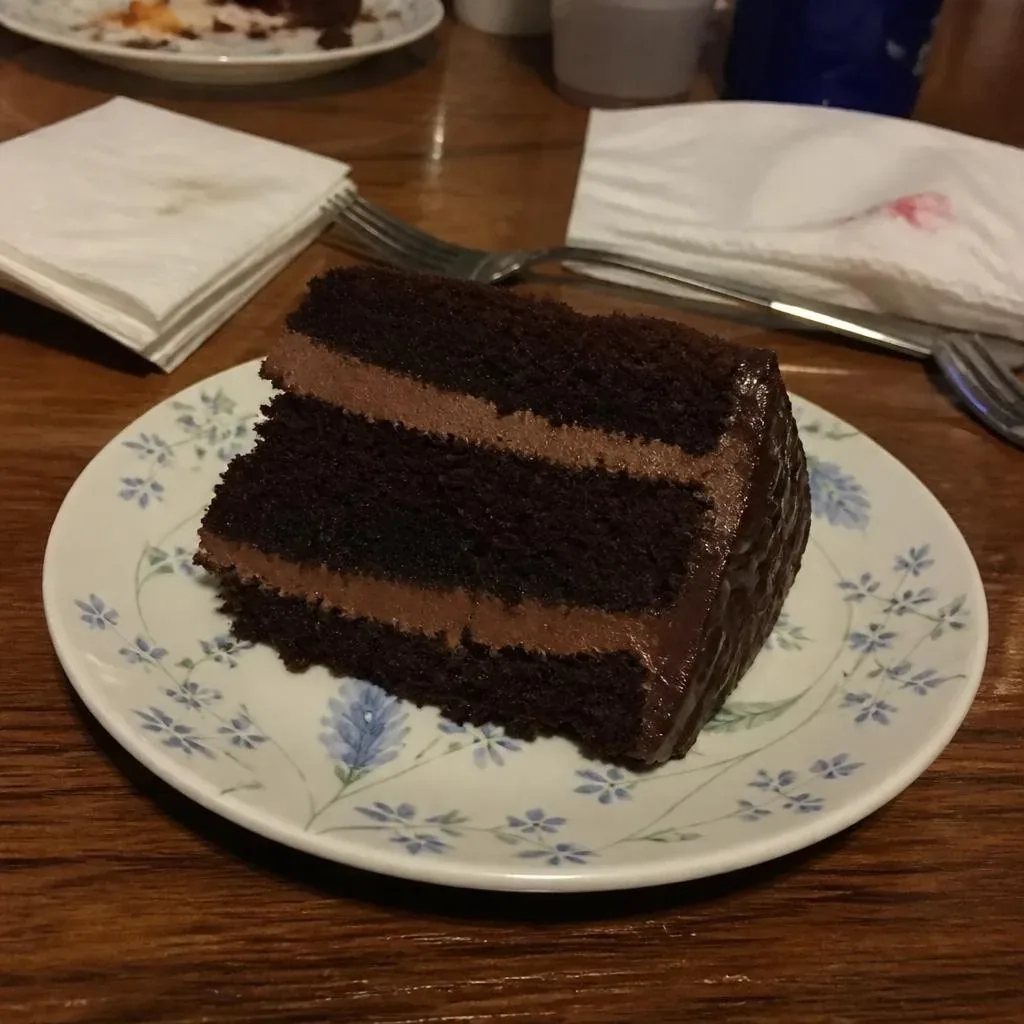
Chocolate cake enhanced on a black background in cool colour style
Before
After

Black · Light · Cool & Premium

AI food photo enhancer

AI menu generator

Generate your menu in minutes

Turn enhanced photos into a structured menu — categories, prices and descriptions in clean templates. Edit any dish anytime and regenerate instantly.

Bistro Sol

Dinner Menu

Starters

  • Tomato Burrata

    Heirloom tomatoes, basil, olive oil

    $9.00
  • Crispy Calamari

    Lemon aioli, parsley

    $11.00
  • Garlic Bread

    Toasted sourdough, rosemary butter

    $6.00
  • House Salad

    Seasonal greens, balsamic vinaigrette

    $8.00

Mains

  • Grilled Salmon

    Asparagus, lemon butter sauce

    $22.00
  • Ribeye Steak

    12oz, roasted potatoes, herb butter

    $32.00
  • Margherita Pizza

    San Marzano, mozzarella, basil

    $14.00
  • Mushroom Risotto

    Arborio rice, parmesan, truffle oil

    $18.00
Text Menu

Bistro Sol

Dinner Menu

Tomato Burrata

$9.00

Heirloom tomatoes, basil, olive oil

Crispy Calamari

$11.00

Lemon aioli, parsley

Garlic Bread

$6.00

Toasted sourdough, rosemary butter

Photo Feature

Bistro Sol

Dinner Menu

Tomato Burrata

$9.00

Heirloom tomatoes, basil, olive oil

Dish Poster
AI menu generator

QR code menu

Your menu, one scan away

Publish your menu and download a high-resolution QR code. Guests scan, your live menu opens — update dishes anytime without reprinting.

Bistro Sol

Scan for menu

Bistro Sol

Live menu

Tomato Burrata

$9

Grilled Salmon

$22

Ribeye Steak

$32

Tiramisu

$8

QR code menu

View a live demo menu

From phone to table in three steps

01

Photo your dishes

Shoot with any phone — natural light is enough.

02

Enhance photos with AI

Our AI food photo editor fixes light, color and background — your dishes stay exactly as they are.

03

Publish & print

Publish your menu and print the QR table cards — updates go live instantly.

Why restaurants build menus with MenuLolo

True-to-life photos
Our AI enhances light, color and background — and our prompts forbid reshaping dishes or inventing ingredients. What guests see is what you serve.
Direct dish photo upload
Upload dish photos straight into the menu editor — no AI step, no credits, no waiting. Or enhance them first if you want.
Update once, live everywhere
Edit a dish, hit Save, and your QR code menu shows it instantly — the QR code on your printed table cards never changes, so they keep working.

Expert answers

Answered by the MenuLolo team — based on our product experience and the sources cited on this page.

Are QR code menus still popular with diners?

Yes — QR code menus are still popular: digital ordering is now mainstream restaurant behavior, not a pandemic leftover. In the National Restaurant Association's 2024 Technology Landscape Report, more than 3 in 4 operators said technology gives them a competitive edge, 82% of Gen Z adults said they are comfortable placing a smartphone order at a limited-service restaurant, and the Association's 2025 State of the Industry found 51% of consumers consider ordering takeout or delivery essential to their lifestyle. With MenuLolo you build the menu free — publishing it as a QR code menu guests can scan with their phone camera comes with a paid plan. No app needed.

Source [1]Source [2]

Do photos on menus increase sales?

Peer-reviewed research says visual appeal moves orders: a study in the International Journal of Hospitality Management found that a menu's visual appeal and informativeness indirectly raise purchase intention through the desire for food. That's why MenuLolo includes a true-to-life AI food photo editor — light, color and background improve while your dishes stay recognizably yours — plus photo-forward layouts that give signature dishes room to sell.

Source [3]

How often should a restaurant update its menu?

The moment prices or dish availability change — a stale menu quietly costs you trust, and with paper every change means a reprint: US commercial printing prices are up about 59% since January 2020, according to the BLS Producer Price Index. A MenuLolo menu is digital: edit a dish, click Save, and your QR code menu updates instantly — printed copies stay in sync when you reprint on your own schedule.

Source [4]

Frequently asked questions

What is MenuLolo?

MenuLolo is an AI menu generator for independent restaurants. It enhances your dish photos, generates a beautiful menu from clean templates and publishes it as a QR code menu guests scan at the table.

Is it free to use?

Yes — the Free plan includes one menu with up to 5 dishes plus a one-time 10-credit signup bonus (never expires). A paid plan adds capacity and makes your published QR menu visible to guests.

How does the AI menu generator work?

Upload your dish photos, pick a style, and the AI enhances light, color and background while keeping every dish exactly as it is. Then assemble your menu, publish it and share the QR code.

Will the AI change my dishes?

No. MenuLolo is built for true-to-life food photo retouching: the dish must stay recognizably yours. Our prompts explicitly forbid reshaping or inventing ingredients.

Can I cancel my subscription anytime?

Yes. You can cancel anytime and keep access until the end of your billing period. See our terms for details.

Which languages and currencies are supported?

The interface is available in 9 languages. Menus support 26 currencies including USD, EUR, GBP, JPY, KRW and CNY.

Sources

  1. [1]National Restaurant Association — Restaurant Technology Landscape Report 2024 (2024). Accessed 2026-09
  2. [2]National Restaurant Association — 2025 State of the Restaurant Industry (2025). Accessed 2026-09
  3. [3]International Journal of Hospitality Management (Brewer & Sebby) — The effect of online restaurant menus on consumers' purchase intentions during the COVID-19 pandemic (2021). Accessed 2026-09
  4. [4]U.S. Bureau of Labor Statistics (via FRED, Federal Reserve Bank of St. Louis) — Producer Price Index by Commodity: Other Commercial Printing (WPU094711) (2026). Accessed 2026-09

Generate your menu tonight

Upload one dish photo, enhance it and see your menu come together — free.

MenuLolo account

Welcome back

or

New here?

Simple pricing

Turn Better Menus Into More Orders

A menu isn't a price list — it's a sales tool. AI-enhanced dish photos, three ready-made layouts, one QR code to every table.

Loading plans…
Loading plans…
Loading plans…
  • Secure Stripe payment
  • Cancel anytime
  • No long-term contract
  • 24/7 self-serve AI

What early users say

3 layouts

9 languages

2-min photos

“No more reprinting the whole menu for one dish change — I edit on my phone and the QR codes on the tables are instantly up to date. That alone saves a print run every season.”
Beta user · Independent café owner
“Guests ask if we hired a food photographer — it's just phone photos with AI enhancement. The menu looks so much more premium now.”
Beta user · Family restaurant owner

Why MenuLolo

Minutes, not hours

AI photo enhancement replaces manual retouching — a full set of dish photos is ready in the time it takes to brew coffee.

Real food, honestly shown

Enhancement keeps every dish true to the plate — no invented ingredients, no reshaped food — so guests trust what they order.

One menu, everywhere

Publish once and share by QR code, link or print — price and dish updates go live everywhere without reprinting.

FAQ

How do credits work and when do I get them?

One AI dish photo enhancement or background generation costs 10 credits. You get 10 credits once at signup (never expire). Paid plans receive monthly credits automatically on the 1st (UTC) — 1,000 for Starter, 2,400 for Pro. Top-up pack credits never expire.

What can I do on the Free plan?

Try the full editor: all 3 menu layouts, plus one AI enhancement (10 credits). Saving and publishing menus and watermark removal are paid features, priority support is Pro-only — Free edits are not saved.

Can I cancel anytime?

Yes. Subscriptions are self-managed via Stripe with no long-term contract. After canceling, paid features stay active until the end of the billing period; published menus then display on the Free tier (with watermark). Your data stays exportable.

What do paid plans add over Free?

All plans include all 3 menu layouts. Paid plans add saving and publishing menus, more menus and dishes per menu, watermark removal and monthly AI credits — unlimited dishes per menu is a Pro feature.

What if I need help?

Self-serve AI tools are available 24/7; email support replies within 3 business days.

Prices in USD. Paid plans' monthly credits reset on the 1st (UTC); the free plan's 10 signup credits are one-time and never expire; top-up packs never expire.

Support

Questions about plans, billing or your benefits? Email support replies within 3 business days.

Email [email protected]

Credits & packs

Credits & top-ups

Top-up packs

Need more credits?

One-time purchase — top-up credits never expire.

Total balance

—

Signup bonus

—

One-time bonus, never expires

Monthly grant left

—

Expires at your billing cycle end

Top-up balance

—

Never expires

How credits work

  • 10 credits at registration (never expire) + monthly plan credits on purchase/renewal (Starter 1,000 / Pro 2,400).
  • 1 AI photo enhancement or AI menu background = 10 credits.
  • Monthly plan credits expire at each billing cycle end; signup and top-up credits never expire.
  • Spending draws signup credits first, then subscription credits, then top-up credits.

On a paid plan every month starts with 1,000–2,400 fresh credits (about 100–240 enhancements), plus watermark removal and all three menu layouts — usually cheaper per photo than top-ups.

Support

Questions about credits, top-ups or billing? We reply within 3 business days.

Email [email protected]

Send feedback

0 / 2000